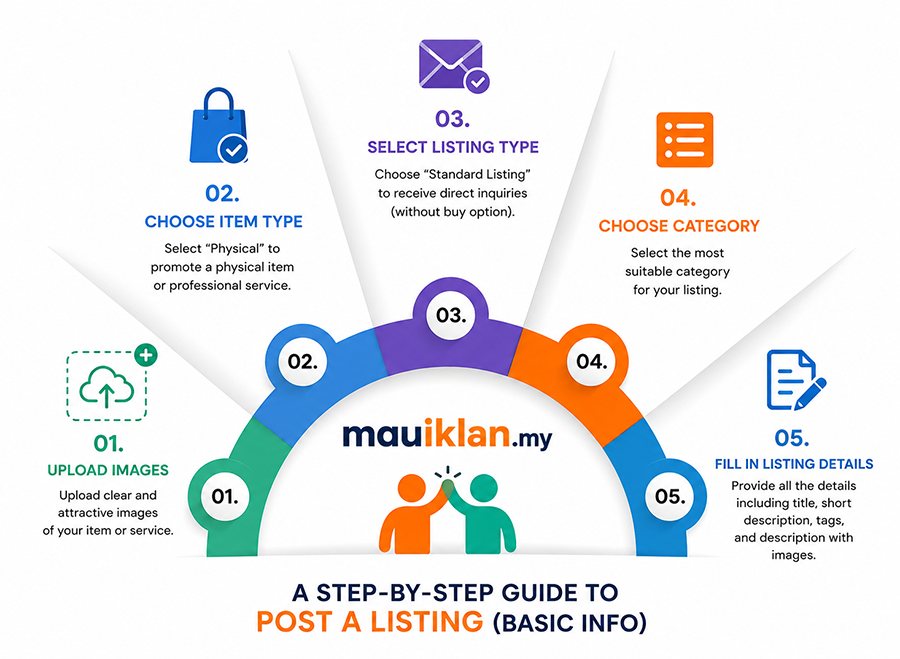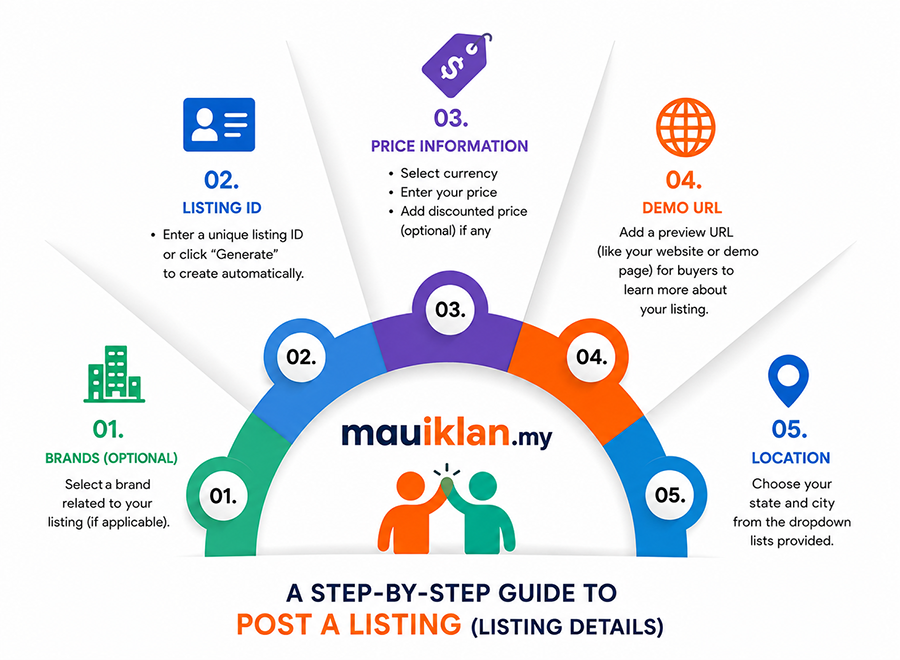

























Posting a listing on mauIklan.my is simple. Follow these steps:
-
Register or log in to your mauIklan.my account.
-
Apply to become an advertiser if the account has not yet been verified.
-
Once approved, select Post a Free Listing Now.
-
Choose the most suitable category and subcategory for the product or service.
-
Enter the listing information, including the title, description, price where applicable, location, and other relevant details.
-
Add suitable images of the product or service where available.
-
Review the information carefully and select Submit.
-
After publication, the listing can be viewed and managed through the account dashboard.
The illustrations below provide a visual guide to the listing process.