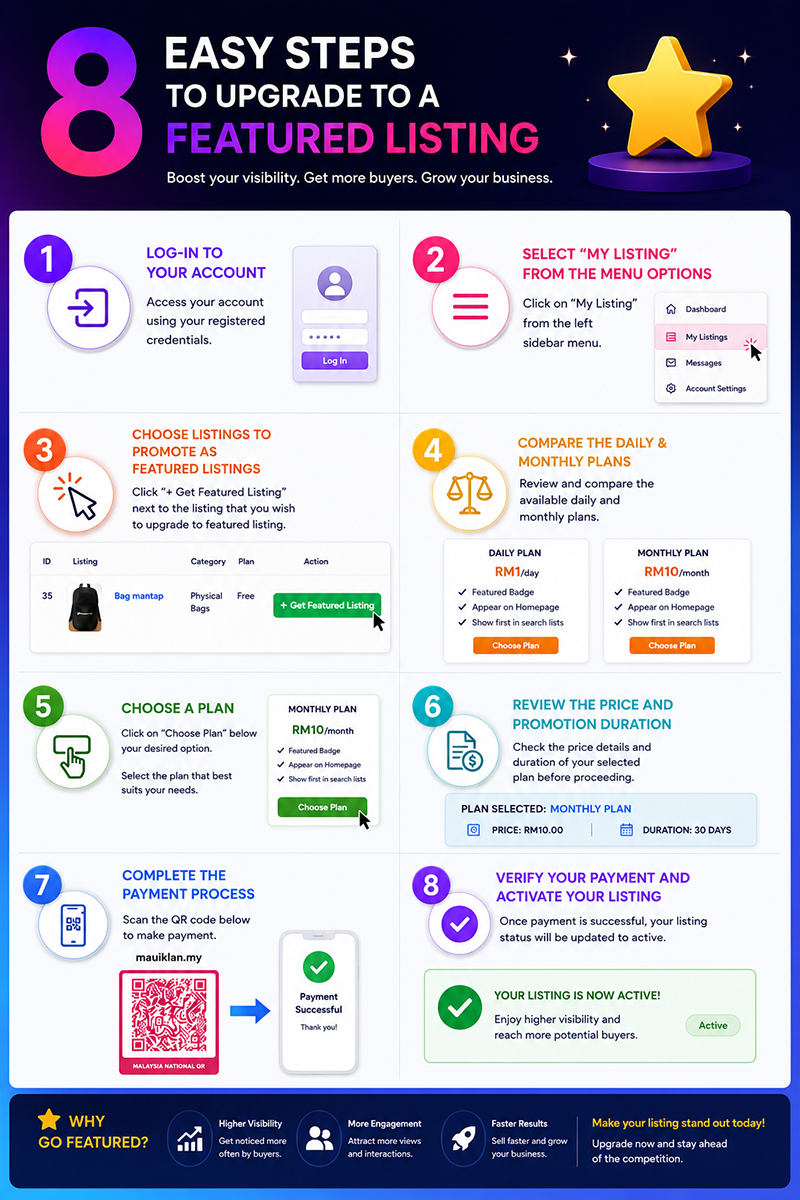





















1. Log in to your account.
2. Open the Listings Dashboard.
3. Select “My Listings” from the menu.
4. Click “+ Get Featured Listing” next to the listing you want to upgrade.
5. Compare the daily and monthly plans.
6. Choose a plan by clicking “Choose Plan.”
7. Review the price and promotion duration.
8. Complete the payment process.
9. Confirm that the listing status is now active.